
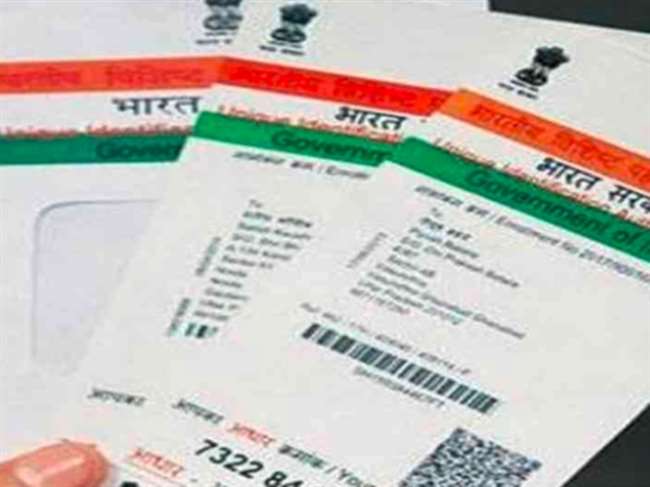
Aadhaar Card Number Genuine Or Fake: Check whether your Aadhaar number is real or fake
The Unique Identification of India (UIDAI) issues a 12-digit Personal Identification Number on behalf of the Government of India. UIDAI provides many services with Aadhaar. UIDAI offers many services through its online portal, one of which is to check whether your Aadhaar card number is genuine or not.
According to UIDAI, individuals can verify the email address and mobile number, which is declared at the time of enrollment or during a new Aadhaar update. A registered mobile number is required to avail Aadhaar online services. If the mobile number is not registered with Aadhaar, then users have to visit the nearest Permanent Aadhaar Center (PAC).
Check whether your Aadhaar number is real or not
Step 1: Go to the official Aadhaar website – resident.uidai.gov and select the official Aadhaar verification services.
Step 2: Enter Aadhaar Number or Virtual ID (VID)
Step 3: Enter the given captcha and click send OTP or enter TOTP.
OTP will be sent to the registered mobile number for the given Aadhaar number or VID.
If the Aadhaar number is correct, a new page will open with the Aadhaar number containing details like name, state, age, gender etc.
Registered mobile numbers linked to Aadhaar can be obtained by verifying the email address or DOB at the nearest Permanent Aadhaar Center (PAC).

